Filter Layers in the Legend
Layers in the Legend map tool can be filtered.
-
- Enter text in the
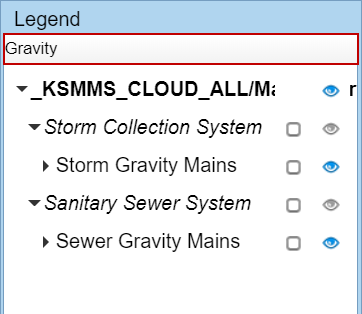
- Erase any text in the search field to view all the layers.