Move Estimated Material to Actual
The administrator can define estimated material on the work order template. Users who have Add permission for this type of work order can also add estimated material. Then, if or when the material is used, it can be moved from estimated to actual.
- Open the work order.
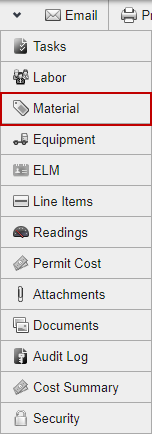
- Click Material from the functions drop-down list.
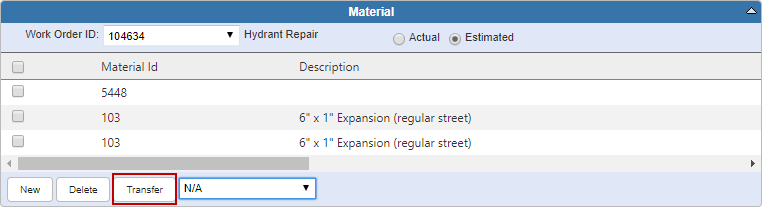
- Select Estimated at the top of the Material panel.
- Select the estimated material that you want to move to actual.
- Click Transfer.
 IMPORTANT: Estimated material cannot be transferred to Actual if the work order Stage is set to Proposed.