Reshape an Asset
The shape of an asset can be changed.
 TIP: Make sure that the layer you're editing is visible in the Legend so you can view the assets on the map.
-
- Select a layer from the drop-down list.
-
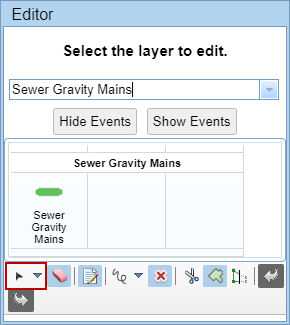
- Select an asset.
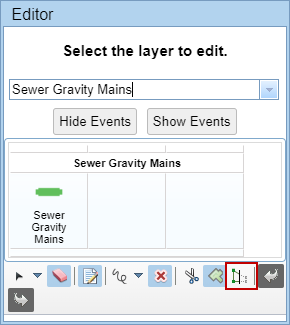
TIP: